How to use Onesait origin stage
EN | ES
Description
The Onesait origin stage is used to connect to the Digital Broker of the Onesait platform once it has a IoT device configured and accesible.
It supports connecting to different origins in separated pipelines.
How to use it
Importing to the pipeline
To add it to the pipeline, search for Onesait in the stages palette like so.
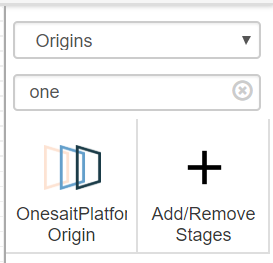
Drag and drop to the panel.
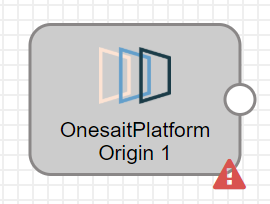
Once imported, it can be configured to achieve different beheaviours depending on the case.
Available options
General
This tab has general information and an option to show the event generator point on the stage.
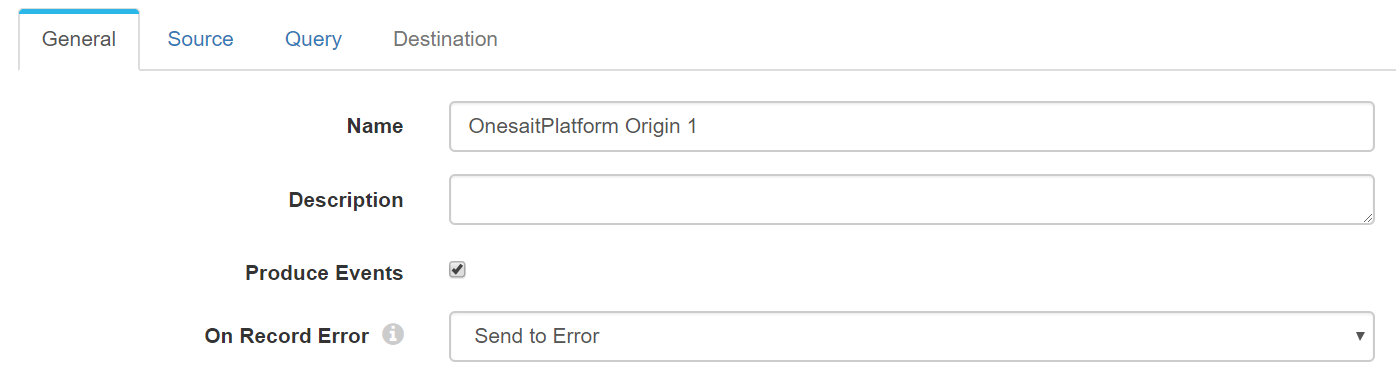
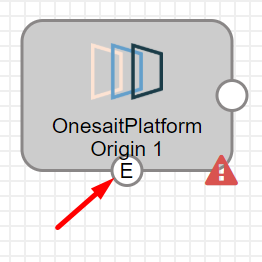
Checking the "Produce Events" option the stage shows another point to make usage of the events.
The events are triggered on
- Initilization
- No more data to fetch from the ontology
Source
This tab shows a form to fill with the Digital Broker information of the Onesait platform.
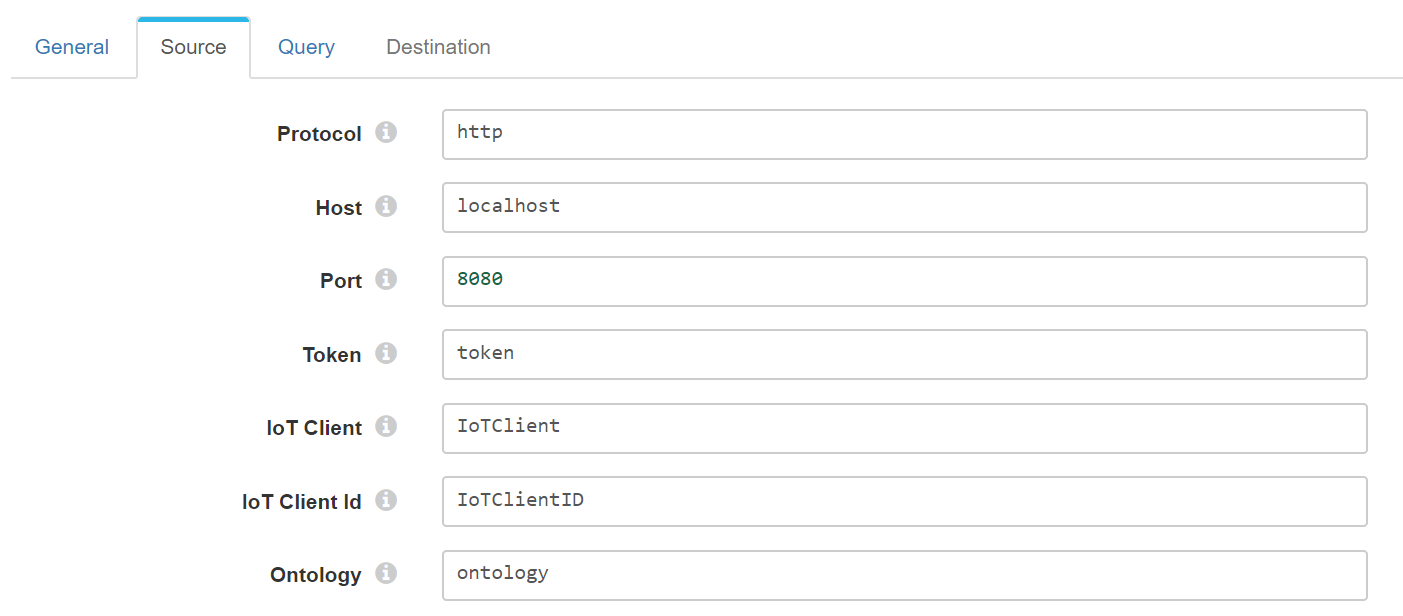
Where is the information?
Query
This tab shows the query and some more configuration of the stage.
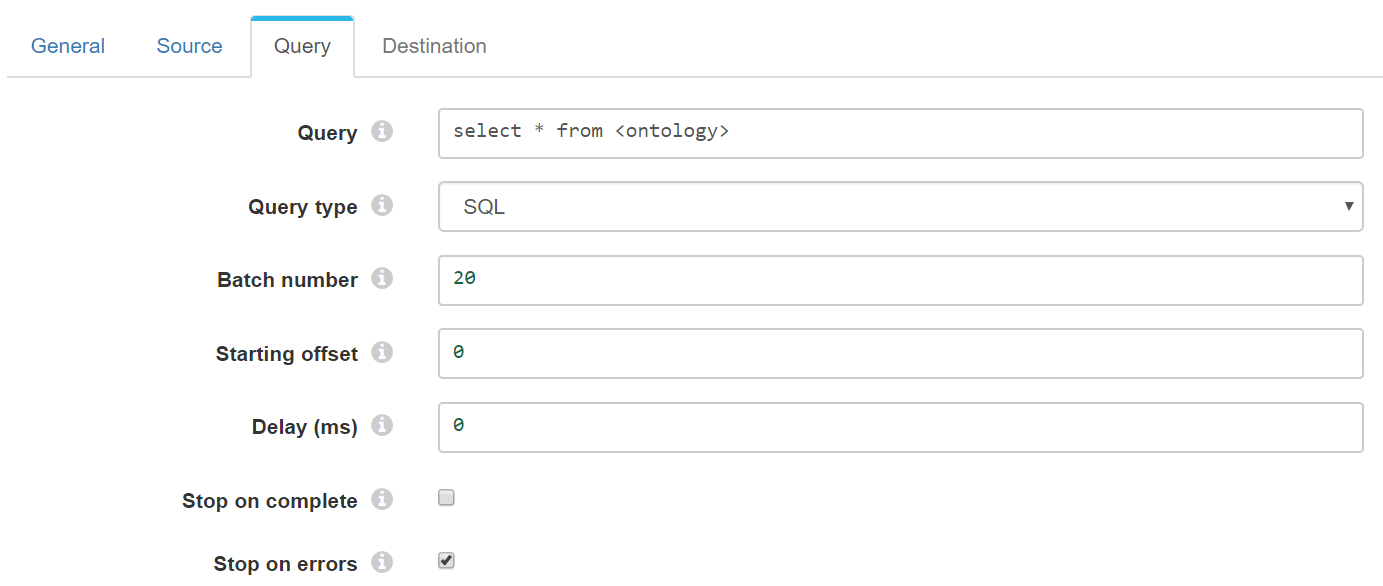
- Query: The query to send to the Digital Broker
- Query type: Native or SQL
- Batch number: The items to retreive on every batch. Note: Only works when performing iteration. See the next setcion.
- Starting offset: Set if need to start from any specific point on the query.
- Delay: Milliseconds to wait between queries.
- Stop on complete: Stops the pipeline if it reaches the last item on the ontology.
- Stop on errors: If any error occurs it stops the pipeline and logs it.
Performing iteration on the queries
In order to make batches on the queries it is needed on the query sintax to include the variables batch and offset.
Eg.
- In SQL

- In Native

This sintax will make interations on the ontology and finish once no more data is fetched if the option Stop on complete is checked.
If it is not checked, it will make calls repeteadly until the user stops the pipeline.